
What Are the Best Document Request Automation Solutions for Bankruptcy Firms? (May 2026)

Most bankruptcy firms lose more time chasing documents than they do preparing petitions. Paystubs, tax returns, credit reports, bank statements, every case requires the same collection process, and when it's manual, your staff gets stuck in an endless follow-up cycle. The right automation tool takes that entire workflow off their plate, but most case management systems weren't built with this problem in mind.
TLDR:
- Bankruptcy document collection eats up to 50% of paralegal time in manual follow-ups and data entry
- Most tools handle either intake or case management, not the automated document workflows bankruptcy firms need
- Glade AI automates document requests, data extraction, and follow-ups without staff intervention
- Legacy tools like Best Case lack automated client document collection; CRMs like Lawmatics stop before petition work begins
- Glade AI automates paystub parsing, credit reports, and means test calculations purpose-built for bankruptcy practices
What is Document Request Automation for Bankruptcy Firms?
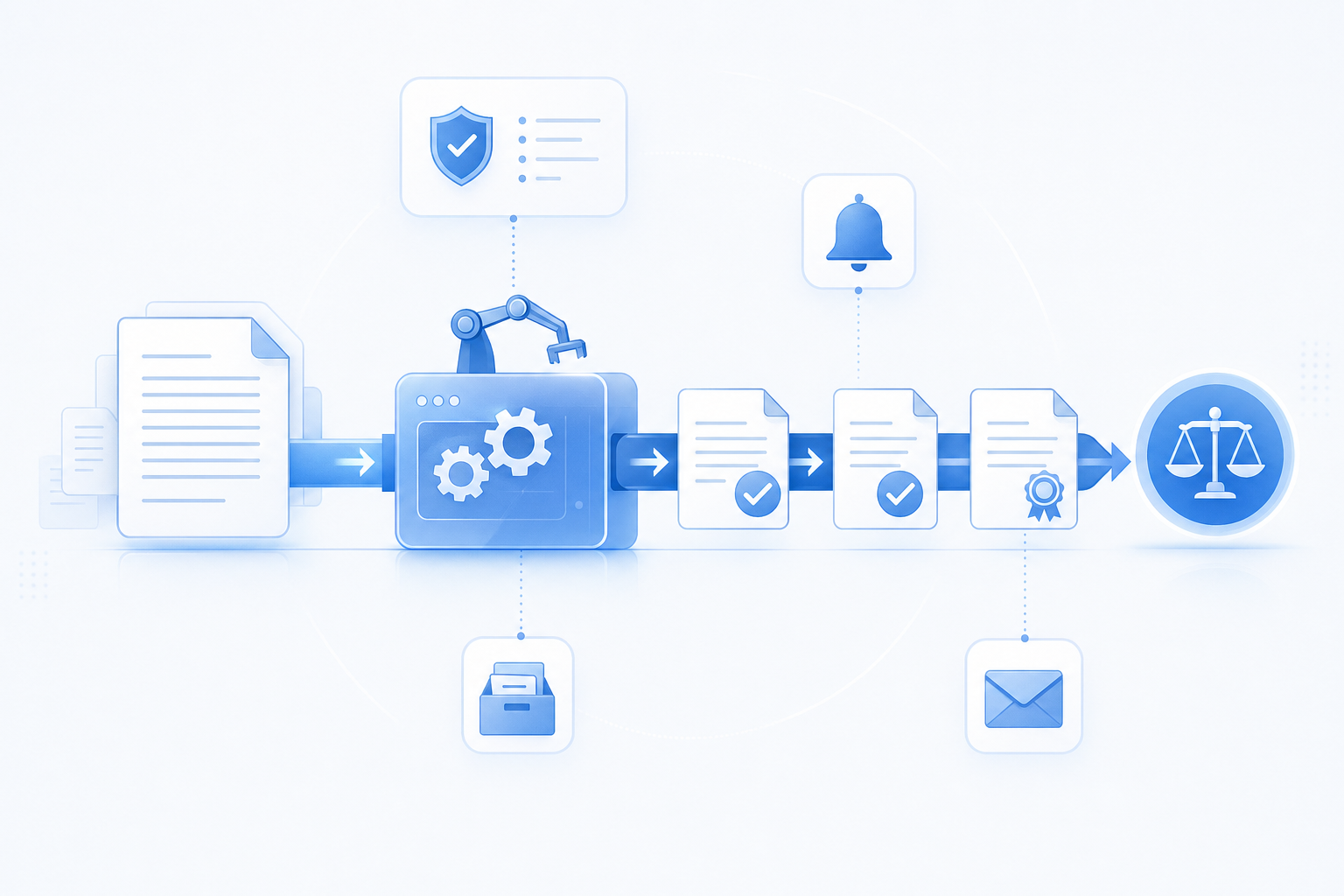
Bankruptcy firms collect a lot of paperwork. Pay stubs, tax returns, bank statements, credit reports, asset disclosures. Gathering these documents from clients is one of the most time-consuming parts of case preparation, and delays here slow everything else down. Effective record management strategies become critical when handling high volumes of client documentation.
Document request automation refers to workflows that handle this collection process without staff having to chase clients manually. Instead of sending individual emails and following up by phone, AI agents send requests, track responses, and flag missing items automatically.
For bankruptcy law practices, cases move faster and staff spend less time on follow-up.
How We Ranked Document Request Automation Tools
We assessed each tool based on criteria that matter to bankruptcy practices, not generic document management features. Building for this space means we know what actually moves cases forward versus what looks good in a demo.
Here's what we looked at:
- Bankruptcy-specific workflow support across Chapter 7 and Chapter 13 cases
- Automated document tracking and client follow-up so nothing falls through the cracks
- AI-powered document processing capabilities built for legal file types
- Integration with bankruptcy filing requirements and court systems
- A client portal for secure document submission
- Native payments built into case workflows
- Implementation time and learning curve for legal support staff
Best Overall Document Request Automation: Glade AI
Glade AI was built for bankruptcy firms that are tired of chasing down documents manually. Instead of bolting automation onto a generic case management system, Glade AI's workflows are purpose-built around the way bankruptcy attorneys actually work.
At the core of Glade AI's approach are AI agents that automate document requests. From sending initial requests to following up with clients, collecting responses, and organizing everything into the case file, the workflow runs without attorney intervention.
Bankruptcy firms using Glade AI report handling far more cases without adding headcount, which speaks to what becomes possible when repetitive intake and document work is off attorneys' plates.
Lawmatics
Lawmatics is a legal CRM built for client intake and marketing automation, starting at $99 per month. The focus is pre-engagement: converting prospective clients before any case management begins.
Here is a quick look at what it covers:
- Automated intake forms and client onboarding questionnaires
- Marketing automation with email and follow-up sequences
- CRM tracking for leads and pipeline management
- Calendar integration for consultation scheduling
It works well for firms where lead conversion is the primary bottleneck. High intake volume, lots of inquiries, a need to nurture prospects. Lawmatics handles that.
The gap shows up post-retainer. There are no bankruptcy-specific document workflows, no credit report integration, and no means test data extraction. Document collection for petition preparation happens entirely outside the system. For bankruptcy practices, that's where most of the actual work happens, and Lawmatics simply stops before getting there.
Intaker
Intaker is an AI-powered client intake tool built around lead capture through website chat and SMS. The focus is getting prospective clients through the door before they find a competing firm.
Here is what the tool covers:
- AI chatbot for 24/7 website visitor engagement
- Multi-channel lead capture from chat, SMS, and Google LSA
- Automated follow-up sequences for prospective clients
- CRM integrations with Clio Grow and Lawmatics
For firms losing leads to after-hours silence, that's a genuine problem worth solving. But Intaker stops after the first conversation. There are no bankruptcy-specific document request workflows, no credit report integration, and no petition preparation features. The system also lacks template presets for custom fields, which limits how far you can configure it even at the intake stage. Capturing a client and managing their bankruptcy case are two different jobs, and Intaker only does one.
Filevine
Filevine is a case management tool built primarily for personal injury and civil litigation firms. It offers customizable workflows, centralized document storage, AI-driven document analysis, and billing in one place.
What They Offer
- Customizable workflow templates and project management tools that can be reshaped to fit many different practice types
- Document management with cloud storage and version control for keeping case files organized
- Task assignment and deadline tracking across team members
- Client portal for document sharing and case updates
Good for personal injury firms that need flexible workflow customization and have time to invest in configuration. The system rewards firms willing to build it to their exact specs.
The problem for bankruptcy firms is that Filevine was not designed with this practice area in mind. Credit report integration, means test calculations, and Schedule I/J automation all require manual setup from scratch. Firms report spending weeks reconfiguring a personal injury tool just to approximate what bankruptcy workflows need by default.
Bankruptcy document request automation here is a configuration project, not a built-in feature.
Clio
Clio is one of the most widely used cloud-based legal case management tools, covering matter management, document storage, client communication, and billing across firms of all sizes and practice areas.
For general practice firms juggling multiple areas of law, the breadth makes sense. One system, many use cases. The catch is that many integrations needed to fill specialty gaps aren't included in base pricing, which adds up fast.
For bankruptcy practices, the gaps go beyond pricing. Clio doesn't parse paystubs, pull credit reports, or feed extracted income data into means test calculations. Document requests can go through the client portal, but what happens afterward is a manual job. A paralegal still has to open each file, pull the numbers, and enter them somewhere else.
Clio manages a law firm. It doesn't automate a bankruptcy case.
Best Case
Best Case is a widely used bankruptcy case management software built for bankruptcy attorneys. It covers a range of core workflows, from petition preparation to document assembly, and integrates with court filing systems to help firms meet compliance requirements.
Where Best Case falls short is in automated document collection. The software does not natively send document request workflows to clients or follow up on missing items without manual intervention from staff.
For firms processing high volumes of Chapter 7 or Chapter 13 cases, that gap adds up quickly in staff hours spent chasing clients for paperwork.
Feature Comparison Table of Document Request Automation Tools
The differences across these tools become clearer side by side. Bankruptcy-specific functionality separates purpose-built systems from general ones fast.
Feature | Glade AI | Lawmatics | Intaker | Filevine | Clio | Best Case |
|---|---|---|---|---|---|---|
Bankruptcy-specific workflows | Yes | No | No | No | No | Yes |
Automated document follow-ups | Yes | No | No | No | No | No |
AI document data extraction | Yes | No | No | No | No | No |
Credit report integration | Yes | No | No | No | No | Yes |
Native payment processing | Yes | No | No | No | No | No |
Client portal for uploads | Yes | Yes | No | Yes | Yes | No |
Means test automation | Yes | No | No | No | No | Yes |
Implementation under 30 days | Yes | No | No | No | No | No |
Most tools check one or two boxes. The question is whether the boxes they check are the ones that actually move bankruptcy cases forward.
Glade AI and Best Case are the only two built with bankruptcy law in mind. The gap between them is in automation depth. Best Case handles petition prep and court filing, but document collection still relies on staff. Glade AI covers both.
Why Glade AI is the Best Document Request Automation for Bankruptcy Firms

Glade AI is built for the way bankruptcy document workflows actually run.
When a client uploads documents, AI agents verify them against bankruptcy schedules automatically, flagging incomplete submissions before a paralegal ever opens the file. Paystub data gets extracted at the cell level and written directly to case records, feeding means test calculations without manual entry. Follow-up reminders go out on their own.
Bankruptcy firms need the work that happens around documents to run itself. With up to 50% of staff time going to manual follow-up and data entry in a typical practice, that gap is where growth either happens or stalls.
Final Thoughts on Choosing Document Request Automation for Bankruptcy Law
Automating bankruptcy document requests means your staff stops chasing clients for missing paperwork and starts preparing petitions. The difference between tools built for bankruptcy and generic case management shows up fast when you need credit reports pulled, paystub data extracted, and follow-ups sent without lifting a finger. If you're ready to see how automated workflows change case volume, book a demo.
FAQ
How do I choose the right document request automation tool for my bankruptcy firm?
Start by identifying where your bottleneck is: if you're losing leads before they sign, you need intake tools like Lawmatics or Intaker; if you're drowning in document follow-ups after clients are retained, you need bankruptcy-specific automation like Glade AI or a customized Filevine setup. Firms processing 50+ cases monthly with lean staff typically see the fastest ROI from tools that automate post-retainer document collection, beyond lead capture alone.
Which document automation tool works best for small bankruptcy firms just starting out?
Small firms (1-3 attorneys) handling Chapter 7 and Chapter 13 cases benefit most from tools built for bankruptcy workflows that require minimal setup time. Glade AI and Best Case both support bankruptcy-specific document requests, but only Glade AI automates client follow-ups and paystub data extraction without manual staff intervention, which matters when you don't have extra paralegals to assign follow-up tasks.
Can I use a general case management system like Clio for bankruptcy document requests?
Yes, but you'll be building bankruptcy workflows from scratch since Clio wasn't designed for this practice area. You can send document requests through the client portal, but credit report pulls, means test calculations, and paystub income extraction all require manual setup or third-party integrations that aren't included in base pricing, which adds both cost and implementation time.
What's the difference between document request automation and document management?
Document management stores and organizes files you already have; document request automation handles the collection process before files reach your system. Automation sends requests to clients, tracks what's missing, follows up automatically, and flags incomplete submissions, while management focuses on version control and storage after documents arrive.
Why do bankruptcy firms need specialized document automation instead of generic legal tools?
Bankruptcy cases require specific documents tied to court schedules and filing deadlines (pay stubs, tax returns, bank statements, asset disclosures), and the data inside those documents must feed directly into means tests and petition forms. Generic legal tools treat documents as static files to store, while bankruptcy-specific automation extracts income data, validates against schedules, and writes information directly to case records without re-keying.
How do I choose the right document request automation tool for my bankruptcy firm?
Start by identifying where your bottleneck is: if you're losing leads before they sign, you need intake tools like Lawmatics or Intaker; if you're drowning in document follow-ups after clients are retained, you need bankruptcy-specific automation like Glade AI or a customized Filevine setup. Firms processing 50+ cases monthly with lean staff typically see the fastest ROI from tools that automate post-retainer document collection, beyond lead capture alone.
Which document automation tool works best for small bankruptcy firms just starting out?
Small firms (1-3 attorneys) handling Chapter 7 and Chapter 13 cases benefit most from tools built for bankruptcy workflows that require minimal setup time. Glade AI and Best Case both support bankruptcy-specific document requests, but only Glade AI automates client follow-ups and paystub data extraction without manual staff intervention, which matters when you don't have extra paralegals to assign follow-up tasks.
Can I use a general case management system like Clio for bankruptcy document requests?
Yes, but you'll be building bankruptcy workflows from scratch since Clio wasn't designed for this practice area. You can send document requests through the client portal, but credit report pulls, means test calculations, and paystub income extraction all require manual setup or third-party integrations that aren't included in base pricing, which adds both cost and implementation time.
What's the difference between document request automation and document management?
Document management stores and organizes files you already have; document request automation handles the collection process before files reach your system. Automation sends requests to clients, tracks what's missing, follows up automatically, and flags incomplete submissions, while management focuses on version control and storage after documents arrive.
Why do bankruptcy firms need specialized document automation instead of generic legal tools?
Bankruptcy cases require specific documents tied to court schedules and filing deadlines (pay stubs, tax returns, bank statements, asset disclosures), and the data inside those documents must feed directly into means tests and petition forms. Generic legal tools treat documents as static files to store, while bankruptcy-specific automation extracts income data, validates against schedules, and writes information directly to case records without re-keying.