Cloud Legal Case Management for Small Firms: Nov 2026

You're comparing case management tools, and every vendor's page reads like it does everything. It doesn't. The trick is matching each tool's real strength to your highest-volume case type before you weigh what it leaves out. Let's break down the features that matter for a small firm in 2026, the security you can't skip, and how the free options fall short.
TLDR:
- Roughly Most attorneys now use cloud computing, so the real question is which system fits your firm.
- Focus on matter management, calendaring, and document assembly first; add trust accounting and conflict checking as you scale.
- Ask vendors to show encryption, SOC 2 Type II, access controls, and audit logs before you sign, not after a breach.
- Free and open-source tools cover the basics but drop trust accounting and conflict checking, risking a bar complaint.
- Glade AI unifies intake, document collection, and filing for high-volume firms, cutting 8-plus-hour petition assembly to under two hours.
Skip the On-Premise Debate: Why Cloud Case Management Is Now the Default for Small Firms
The question of whether to run case files on a back office server has mostly answered itself. According to the 2025 ABA Legal Technology Survey, most firms now use cloud-based legal tools.
So this guide skips the on-premise debate. What you actually need to decide is which cloud based legal case management software fits a small firm in 2026, what features matter, and where the free and low-cost options run out of room.
What Cloud-Based Legal Case Management Software Actually Does
Cloud based legal case management software is one internet-accessible system of record for everything tied to a matter: clients, documents, deadlines, contacts, communications, and billing. Instead of a case living across an email thread, a shared drive folder, and three spreadsheets, it sits in a single workspace any authorized staffer can reach from a browser.
The daily work it replaces is concrete. Chasing a signed retainer buried in an inbox. Rebuilding a deadline calendar from memory. Squaring billable hours logged in a notebook. This is the core of law automation benefits and use cases. It ties each item back to the case it belongs to.
The Core Features to Look For in 2026
Work through this checklist vendor by vendor. Ask each question directly, and weigh which answers matter now versus once you scale.
- Matter and task management: Can you assign tasks by role and see every open item across active matters in one view?
- Calendaring and deadline tracking: Does it calculate court deadlines from trigger dates, or just store dates you enter manually?
- Document management and assembly: Can it generate a retainer or pleading from case data without retyping?
- Client portal and communication: Can clients upload documents and get status updates without a phone call?
- Time tracking and billing: Does it capture time inside the workspace and turn it into an invoice?
- Trust accounting: Does it keep IOLTA balances separate and produce a three-way reconciliation?
- Conflict checking: Can you search parties before intake?
- Reporting dashboards: Can you see close rates and receivables without exporting to a spreadsheet?
For a small caseload, matter management, calendaring, and document assembly carry the most weight. As you scale, trust accounting, conflict checking, and reporting keep the firm defensible.
Cloud vs. On-Premise: The Tradeoffs That Still Matter
The first section skipped the should-you-move question. This one names the tradeoffs that still divide firms.

Dimension | Cloud | On-Premise |
|---|---|---|
Upfront cost | Subscription, low entry | Server hardware, higher outlay |
Maintenance | Vendor-handled | Your IT or a contractor |
Remote access | Any browser, anywhere | Offline access, no internet dependency |
Updates | Automatic | Manual, on your schedule |
Data control | Held by the vendor | Kept fully in-house |
Disaster recovery | Vendor backups and redundancy | Your own backup discipline |
On-premise still suits firms that want physical custody of client data or work in low-connectivity settings. For most small firms, the maintenance burden and recovery risk tilt the decision toward cloud.
Security and Compliance: The Non-Negotiables Before You Sign
Confidentiality and security remain the top cloud concern for attorneys. ABA Model Rule 1.6(c) makes reasonable data safeguards an ethical duty, which means understanding a vendor's security practices and data-handling policies before you sign is itself a professional obligation, not optional due diligence.
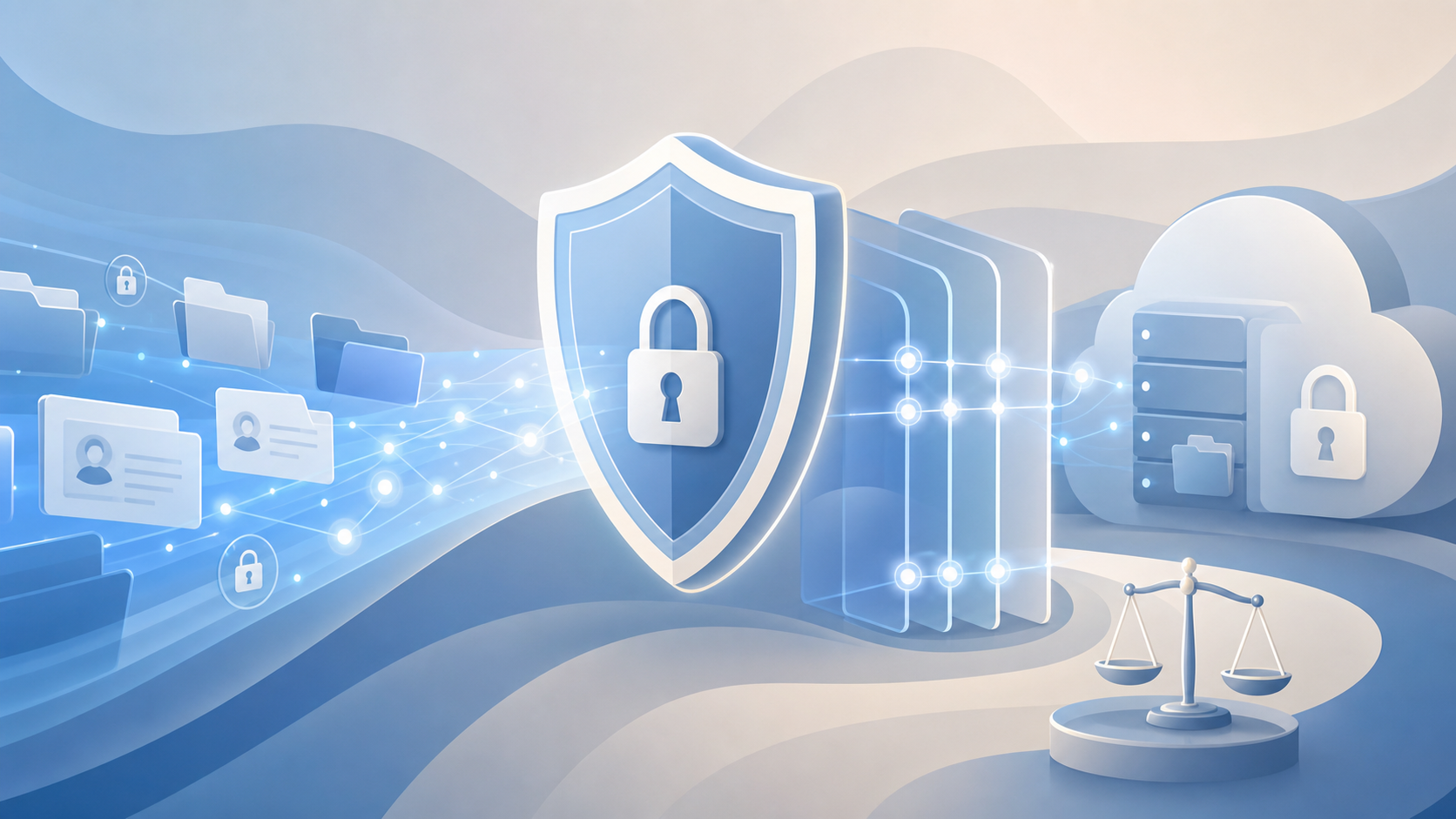
Secure enough for a law firm means specific, verifiable things. Ask the vendor to show them:
- Encryption in transit and at rest
- SOC 2 Type II attestation, requested and read, going beyond what's claimed on a marketing page
- Role-based access controls
- Audit logs of who touched which record and when
- Automated, redundant backups with a tested recovery process
Do the due diligence before the contract, not after a breach.
Free, Open-Source, and Low-Cost Options: What They Cover and Where They Fall Short
Search "free legal case management software" or "legal case management software free download" and you get three real categories: free tiers of paid tools, open-source projects like a self-hosted case tracker, and nonprofit or government systems built for legal aid caseloads.
Each covers the basics. Contact records, matter tracking, a document store, sometimes light task management. Enough for a smaller firm running low volume.
The hidden costs show up fast. Open-source means you host, patch, and own the security burden yourself. Free tiers usually drop trust accounting, conflict checking, and support. Miss a three-way reconciliation and the free tool just cost you a bar complaint. Paid systems earn their price once volume or IOLTA compliance exposes those gaps. Firms handling high document volume often turn to AI-automated document collection for bankruptcy to close that gap.
How Firms Compare the Leading Case Management Systems
Read any comparison the same way: match the tool's core strength to your caseload before you weigh what it leaves out.
- Clio: broad, well-supported case management with 300+ integrations that suits general-practice and multi-area firms; based on publicly available information as of November 2026, practice-area-specific automation and deep vertical workflows are not built in. Firms running a single high-volume case type typically configure those themselves.
- MyCase: approachable billing and case management for smaller firms, with a clean interface and built-in IOLTA tools; based on publicly available information as of November 2026, automated workflow depth on entry-level plans is limited, and more advanced automation sits behind higher-tier pricing.
- PracticePanther: all-in-one platform covering intake, case management, billing, and payments, well-suited to growing general-practice firms; based on publicly available information as of November 2026, workflows are highly configurable, which means setup time is real before the system reflects your firm's specific process.
- Smokeball: strong document automation and automatic time tracking for firms running high document volume, with deep Microsoft 365 integration; based on publicly available information as of November 2026, some reviewers note a billing and reporting learning curve compared to tools focused primarily on financial workflows.
- CosmoLex: end-to-end system with the deepest built-in legal accounting of any tool in this list, including automated three-way trust reconciliation. This makes it a strong fit for firms that want practice management and bookkeeping in one place; based on publicly available information as of November 2026, its accounting-first architecture means workflows are more rigid for firms with non-standard processes.
- Filevine: highly configurable case management built around litigation and personal injury workflows, suited to mid-to-large operations that need detailed reporting and custom automation; based on publicly available information as of November 2026, that configurability requires meaningful setup investment. Smaller firms or those outside litigation often find the scope more than they need.
Start with your highest-volume case type, then judge each tool against it.
How Different Sectors Use Case Management Systems
The term "case management system" travels well beyond private law firms, and the requirements shift with each sector.
- Government legal offices: public-records retention rules and open-records requests shape how data is stored and disclosed.
- Nonprofits and legal aid: grant reporting drives the feature set, since funders want outcome data tied to each case.
- Social work: case tracking boils down to client services, referrals, and safety plans, not billable time.
- Healthcare: case management coordinates patient care and falls under HIPAA, a different compliance regime.
If your work sits in one of these, a general case management tool often fits better than a legal-specific one.
A Step-by-Step Process for Choosing the Right System
Run this as a sequence, not a shopping spree.
- Map your workflow. Trace one real matter from intake to close and mark every place work stalls or gets retyped.
- Split must-haves from nice-to-haves. Trust accounting and calendaring are non-negotiable; a mobile app can wait.
- Shortlist three vendors that match your highest-volume case type.
- Trial each with live matters, not the demo data. Let the paralegal who runs cases daily drive.
- Read the export terms before you commit. Confirm you can pull your data in a clean, usable format, so switching later never holds your files hostage.
- Request the security documentation covered earlier and read it.
- Plan onboarding with dates and an owner.
Short-staffed firms should choose the system their team can run without the attorney babysitting it. Book a Glade demo to see how it performs against your live caseload.
What Practice-Area Depth Changes About Case Management
A general system and one built for a single case type solve different problems. A horizontal case system flexes across practice areas, but you configure the workflow yourself, and automation stops at fields you map by hand.
A vertical system built for bankruptcy AI case management, immigration, or personal injury already knows that case type's forms, deadlines, and document logic out of the box. Deeper automation, less setup, tighter workflow fit for one area, at the cost of breadth. A general-practice firm gains from flexibility; a high-volume bankruptcy firm cleaning up its workflow gains from depth.
How Glade AI Approaches Cloud-Based Case Management for High-Volume Firms
Glade AI is an AI-powered operating system built bankruptcy-first for firms with two or more attorneys, also covering general law practice workflows, where matters are first-class records. Intake, document collection, native payments, petition preparation, e-filing, and court notices live in one unified system that powers end-to-end bankruptcy filings with Glade AI agents, instead of four to seven disconnected tools someone on staff keeps in sync by hand.
That unification is what makes Case Intelligence possible: the case file builds itself as work happens, with specialized service agents for bankruptcy reading each document tied to a matter and keeping the record current. Setup runs in days. For bankruptcy work, that architecture collapses an 8-plus-hour petition assembly into under two hours, in part through AI-powered exemptions, paystubs, and bank statements.
Final Thoughts on Finding the Right Cloud Case Management for Small Firms
You now have a checklist for features, a read on where free options run out of room, and a process for shortlisting the tools that fit your caseload. Trust your daily driver to trial each one on real work. To see how Glade fits a high-volume firm, book a demo.
FAQs
What's the best cloud based legal case management software for a small firm in 2026?
There's no single winner; match the tool's core strength to your highest-volume case type first. Clio and MyCase work well for smaller general-practice firms, CosmoLex suits firms that want built-in trust accounting, and a vertical system like Glade AI fits firms running mostly one high-volume case type such as bankruptcy, where it collapses an 8-plus-hour petition assembly into under two hours.
Can free legal case management software actually run a small law firm?
Only at low volume. Free tiers and open-source projects cover contact records, matter tracking, and a document store, but they typically drop trust accounting, conflict checking, and support, and open-source means you host, patch, and own the security burden yourself. Miss a three-way reconciliation because the free tool skipped IOLTA compliance and it just cost you a bar complaint.
Can one system replace all the separate tools a bankruptcy firm uses like Best Case, Court Drive, and intake forms?
For a firm running mostly one high-volume case type, yes. Glade AI is built bankruptcy-first to hold intake, document collection, native payments, petition preparation, e-filing, and court notices in one unified system. See the Glade AI section above for how that unification works in practice.
How do I choose between a general and a vertical case management system?
Start with your caseload mix. A general system like Clio or Filevine flexes across practice areas but stops automating at fields you map by hand, so a general-practice firm gains from that flexibility; a firm running mostly one high-volume case type gains from a vertical system that already knows that case type's forms, deadlines, and document logic out of the box.
What should I check about a vendor's security before I sign?
Ask the vendor to show encryption in transit and at rest, SOC 2 Type II attestation you request and read, role-based access controls, audit logs, and tested redundant backups. ABA Model Rule 1.6(c) makes reasonable data safeguards an ethical duty and Formal Opinion 512 pushes you to understand a vendor's data practices before you sign, so do this due diligence before the contract, not after a breach.