Best Case OneTouch vs. the Full Case Lifecycle (October 2026)

When was the last time you keyed the same client's income into two systems for one case? Best Case OneTouch filing is great at the moment it owns, when it sends a finished petition to the court. But that moment is one stage of six, and the four to seven tools stitched around it are where your paralegals lose their hours. Here is what the software automates and everything it leaves on someone's desk.
TLDR:
- OneTouch automates one step of six: uploading a finished petition to the court's ECF site
- Intake, retention, document collection, client communication, and payment tracking all happen outside Best Case
- Post-filing court notices go unmanaged, so someone checks PACER daily or cures deficiencies in as little as 72 hours
- The real cost is the four-to-seven-tool stack held together by manual re-entry, not the filing click
- Glade AI runs all six stages on one case record
What Does Best Case OneTouch Filing Actually Automate?
When practitioners say "Best Case," they mean Best Case by Stretto, the desktop petition-preparation software many bankruptcy firms use, per Stretto's product page. OneTouch is its e-filing feature, and it does its one job well.
Here is what OneTouch handles at the filing step:
- Works through the court's ECF site automatically and uploads documents compliant with local court requirements
- Delivers a case number and court receipt back to you
- Creates and automates post-petition filing of Form 423 and the Chapter 13 Plan
That is the baseline. OneTouch takes a finished petition and gets it into the court's system.
Where Best Case OneTouch Ends: ECF Submission Is One Stage of Six
OneTouch automates one moment: the click that sends a finished petition to the court. A consumer bankruptcy case runs through six stages around that click.
- Intake
- Retention
- Document collection
- Petition creation
- Filing
- Post-filing management
OneTouch lives entirely inside stage five. It takes over once the petition is assembled, signed, and ready, then hands back a case number. Everything upstream of that packet and everything downstream of the receipt sits outside its scope, either done by hand or handed to a separate tool.
The searcher's real question is what happens on either side of that click. The rest of this walk takes each stage in turn.
Comparison based on publicly available product information as of June 2026. Best Case feature set may vary by subscription tier and configuration. Verify current capabilities directly with each vendor before making purchasing decisions.
Case stage | Best Case OneTouch | Glade AI |
|---|---|---|
Intake | Online intake portal collects client information for petition prep; broader CRM, scheduling, and retainer workflows typically handled outside Best Case | Owned on one canonical case record |
Retain | Integrated billing and payment plans available as a Stretto ecosystem add-on; engagement-letter generation and broader retainer workflows typically handled outside Best Case | Owned on one canonical case record |
Collect | No native automated document-chase workflow; paralegals typically follow up by email, text, and shared drives | Automated document collection |
Create | Imports credit report data, saving ~60 minutes of data entry per case | Owned on one canonical case record |
File | Uploads a finished petition to the court's ECF site, returns case number and receipt | Owned on one canonical case record |
Post-Filing | Court Notices & Calendar feature identifies, parses, and saves notices from CM/ECF (eliminating PACER fees) and auto-calendars events; automated workflow routing and deficiency-action assignment are not advertised | Owned on one canonical case record |
Intake and Client Retention: Where Best Case's Scope Ends for Most Firms
Best Case does advertise an "Online Client Intake and Import" feature, a secure portal that lets clients submit information without an in-office meeting (based on publicly available information as of June 2026). For firms using that feature, some intake data can flow into petition prep within the same tool. That said, intake within Best Case is scoped to information collection for petition preparation, not a full-lifecycle client-relationship workflow: eligibility screening, engagement-letter generation, retainer collection, and CRM-style contact management still happen outside Best Case or in a bolt-on tool.
So the front-end work that turns a prospect into a filed client, such as lead tracking, consultation scheduling, engagement letters, and retainer management, happens in a separate CRM or scheduling tool for most firms. The debtor's broader case data starts split across systems, and every downstream stage inherits that split.
Bankruptcy Document Collection Is Manual and Outside Best Case OneTouch
Best Case imports credit report data directly, saving keying time on Schedules D, E, and F. It does not collect, validate, or chase a single client document. That work sits with paralegals working email, text, and shared drives.
Picture a client base uploading pay stubs, bank statements, and IDs across 100-plus document requests per case, a process that automated document collection can replace. Files come in blurry, rotated, misnamed "jk_whatever.pdf," or missing pages. Someone reviews each one, flags what is wrong, and sends the follow-up. Then waits, and sends it again.
OneTouch being fast at the click does nothing here. The hours vanish upstream, chasing documents that never arrive clean the first time.
Data Re-Entry Across Disconnected Tools Is the Hidden Tax
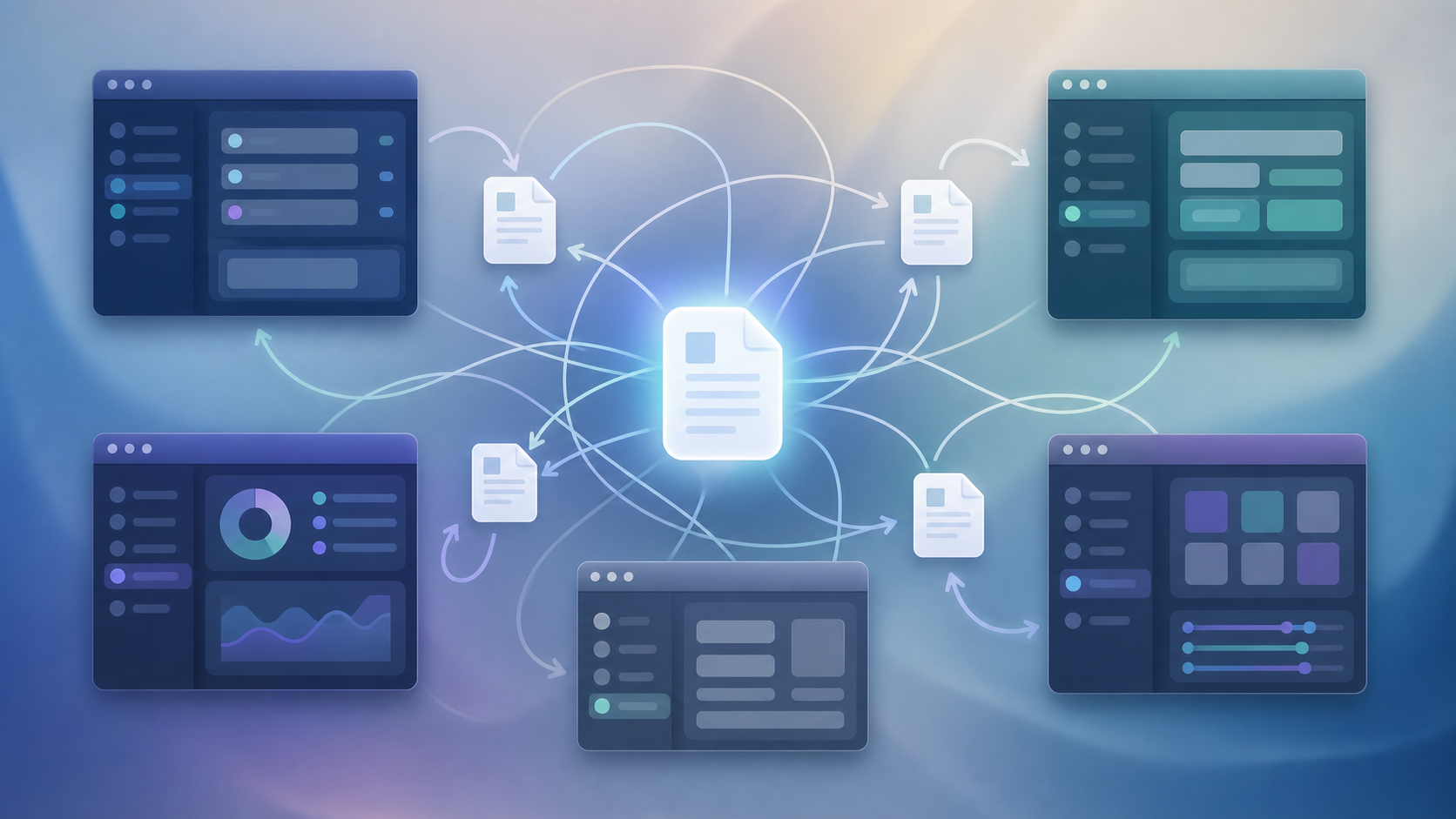
Best Case handles petition prep and credit-report import well. But a firm running OneTouch well is still stitching Best Case to a general-purpose legal CRM like Clio, which is purpose-built for case and billing management across all practice areas, to a dedicated legal payment processor like LawPay, which specializes in IOLTA-compliant trust accounting and client billing, and to a docketing tool like Docketbird, which tracks court filings and deadlines across all U.S. federal courts. Each of those tools does its job; none of them shares a case record with the others. Four to seven tools for one case, none holding a single source of truth.
So the same client fact gets typed again and again. A corrected mailing detail in Clio never reaches Best Case. Income keyed for the petition contradicts the payment plan. The record drifts out of sync, and someone squares it up by hand.
Best Case reports that importing credit report data directly saves attorneys roughly 60 minutes of data entry per case. That number shows what automation is worth, and how much manual keying survives everywhere the software does not reach. The gap is structural, not a missing button.
Client Communication and Payment Workflows Are Not in Scope
OneTouch talks to the court. It does not talk to your client. Status updates, appointment reminders, e-signature routing, the "your 341 is scheduled" note, none of that comes from Best Case. Staff send those by hand or through a separate tool.
The money side is more fragmented than it appears. Best Case does advertise integrated billing, including IOLTA-compliant recurring payment plans and one-time payments (based on publicly available information as of June 2026). But that billing module is a Stretto ecosystem add-on, not a native part of the petition-prep and case-data workflow, so payment records and case data still live in separate places within the stack. For firms that bolt LawPay on top instead, which is a well-regarded legal payment processor with built-in IOLTA trust-accounting compliance, that is a fully separate product, which means another ledger to maintain and another data source a paralegal has to check against the active case in Best Case. Either way, someone has to set up installment plans, take card payments for bankruptcy firms, and track receivables case by case. The question is which disconnected tool holds the record.
Post-Filing Court-Notice Management: Where the Best Case OneTouch Stack Has Gaps
OneTouch's job ends the moment the court returns a receipt. What comes after runs for years. PACER pushes a continuous stream at the firm: 341 meeting notices, deficiency notices, motions to dismiss, and hearing dates across a 36-to-60-month Chapter 13 lifecycle.
Best Case does advertise a Court Notices & Calendar feature. It identifies, parses, and saves notices from CM/ECF (eliminating PACER fees), and automatically calendars bankruptcy events (based on publicly available information as of June 2026). What it does not advertise is automated workflow routing or deficiency tracking that tells the right person what to do next: a notice gets parsed and calendared, but deciding what action it requires and routing it to the correct staff member still falls to staff. So someone still reads each notice, determines what it requires, and remembers to trigger the follow-up, or the firm adds a dedicated notice-routing tool on top.
The stakes sit here. When a debtor fails to file a required form, pay a fee, or provide a signature, the clerk issues a notice of deficiency, and if it is not cured timely the case may be dismissed. Some deficiencies must be cured within as little as 72 hours or up to 14 days. Miss the notice in a shared inbox and you miss the window.
Why the Signature-and-Date and Deficiency Gaps Cause Refiles
A fast upload does not stop a rejection. The most common refile cause is signature dates that do not match the filing date: a petition prepared Monday and filed Tuesday gets bounced. Two more vectors hide in the same gap, missing district-specific local forms and interactive PDFs that CM/ECF cannot read. AI-powered paystub and exemption parsing catches the data-integrity failures that form upstream.
None of these start at the click. They are timing and data-integrity failures that form upstream, in the disconnected stages before submission, so automating only the upload leaves them intact. In the Western District of Washington, a petition filed without the debtor's signature is subject to dismissal within one business day, without further notice. Prevention is the lever, not filing speed.
The Four-to-Seven-Tool Stack Is the Real Cost, Not the Filing Step
OneTouch works. That is not the problem. The problem is what surrounds it: a paralegal keying the same client fact into Best Case, then Clio, then LawPay, then matching Docketbird notices against a case docket by hand. The filing feature is one clean stage inside a stack held together by a person.
Volume strains every seam. Individual Chapter 7 filings rose 10 percent and Chapter 13 filings rose 3 percent year over year as of May 2026. More cases flow through the same manual joints between four to seven tools, which is why understanding AI in bankruptcy law now matters for high-volume firms, and each added case multiplies the re-entry and reconciliation.
So the real choice is not which filing button to click. It is consolidation versus stitching, a shift covered in depth in the AI for bankruptcy law 2026 guide.
How Glade AI Covers the Full Bankruptcy Case Lifecycle Best Case OneTouch Leaves Untouched
Glade AI closes the gaps around the click by owning every stage on one canonical case record: Intake, Retain, Collect, Create, File, and Post-Filing. Instead of stitching Best Case to a CRM, a payment tool, and a notice tracker, the whole case builds itself as the work happens.
The attorney still reviews and approves every schedule; AI does the assembly, not the judgment.
See how Glade AI bankruptcy automation covers the full filing pipeline.
Final Thoughts: What Best Case OneTouch Filing Does Not Handle
Best Case OneTouch filing takes a finished petition to the court, but everything before and after that click still runs by hand. That is where refiles start, where notices slip, and where your staff burn out at volume. Closing those gaps means owning the full case, not automating the one step that already worked. Book a demo to see how the whole lifecycle fits on a single record.
FAQs
Can I file a bankruptcy petition to the court without Best Case OneTouch?
Yes. OneTouch is one way to submit a petition to the court's ECF site, but it is not the only path. Firms can also file directly through their court's CM/ECF system.
Best Case OneTouch vs Glade AI for the full case lifecycle?
OneTouch by Stretto handles one stage well: it takes a finished petition and files it to the court, returning a case number and receipt. Glade AI owns all six stages on one canonical case record, from Intake and Retain through Collect, Create, File, and Post-Filing, so the case data does not split across a CRM, a payment tool, and a notice tracker that a paralegal has to keep in sync by hand.
What's the best way to handle bankruptcy court-notice management after Best Case files the petition?
Route incoming PACER notices through a system that classifies and calendars them automatically instead of a shared inbox someone checks every morning. See the post-filing court-notice section above for how the notice stream and the 72-hour-to-14-day cure window play out.
Why does a fast filing feature still leave firms with refiles and rejections?
Refiles come from timing and data-integrity failures that form upstream, before the click OneTouch automates. The most common cause is signature dates that don't match the filing date, joined by missing district-specific local forms and interactive PDFs that CM/ECF cannot read, so speeding up the upload alone leaves all three intact. Prevention at the petition-assembly stage is the lever, not filing speed.
Why are some firms only using Best Case for filing instead of the whole workflow?
Because Best Case, by design, starts working only once you have a client and a petition to prepare, so intake, retention, document collection, client communication, and payment plans all live in separate tools. That split is the hidden cost: a firm stitching Best Case to Clio, LawPay, and Docketbird is running four to seven tools for one case, keying the same client fact into each and squaring them up by hand as volume grows.