
Legal Artificial Intelligence: Practical Law Firm Guide (August 2026)

The days of artificial intelligence being a legal tech curiosity are behind us. Today, AI in law and legal practice is doing real work: pulling research, reviewing contracts, drafting first-pass motions, and routing court notices. But 54% of firms still offer no AI training, and 43% have no written policy, which means a lot of that work is happening without guardrails. If you're trying to figure out what legal artificial intelligence tools actually make sense for your firm and what the risks look like in practice, this is a good place to start.
TLDR:
- 69% of legal professionals now use AI tools for work, but only 34% of firms have formally adopted it with policy or training.
- AI handles research, drafting, and document extraction well; attorney sign-off stays required on every output that reaches a client or court.
- ABA Formal Opinion 512 and 35+ state bar opinions make clear there is no AI exception to Rules 1.1, 1.6, or 5.3.
- Fabricated citations have appeared in 1,313 court proceedings by April 2026; verify every case reference before filing.
- Glade AI automates Chapter 7 and Chapter 13 petition prep from 8+ hours down to under 2, with AI pre-populating up to 50 to 75% of fields before paralegal review.
AI Adoption in Law Firms: Where the Industry Stands in 2026
AI use inside law firms has crossed from curiosity to default in a single year, driven by legal tech AI automation trends reshaping how attorneys manage work. The 2026 Legal Industry Report found that 69% of legal professionals now use AI tools for work, up from 31% the year prior. The market itself is tracking that behavior, growing from $4.59B to $5.59B between 2025 and 2026.
Institutional adoption trails individual use. Only 34% of firms have formally adopted AI, 54% offer no training, and 43% operate without a written AI policy. Firms with 51+ lawyers sit at 39% adoption, while smaller firms hover near 20%.
How Law Firms Use AI: The Six Core Use Cases
Across firms of every size, six use cases account for most day to day AI activity:
- Legal research
- Document review and analysis
- Drafting correspondence and briefs
- Client intake automation
- Contract analysis
- Court filing and case management
The split matters. The first three sit inside substantive legal work where an attorney owns the output. The last three are back-office: intake forms, calendars, billing gates, court notice routing, and status updates that used to live in a paralegal's head. Drafting leads volume, with 58% reporting AI use for correspondence and 47% using it to summarize documents.
AI for Legal Research
Traditional research runs on Boolean strings: quote marks, proximity operators, and the mental overhead of translating a question into a query. AI research inverts that. You ask a full question ("has the Ninth Circuit ruled on dischargeability of restitution debts arising from wire fraud?") and get a synthesized answer with citations pulled from cases, statutes, and secondary sources at once.
The gain shows up in drafting, too. AI can read a brief in progress, flag citations that no longer stand, and surface supporting authorities you missed on the first pass.
Verification stays with the attorney. Hallucinated citations, misattributed holdings, and stale precedent slip through even purpose-built tools. Pull every case reference independently before the filing leaves your desk. General-purpose chatbots without legal corpora and citation validation belong nowhere near a court filing.
AI for Document Review, Drafting, and Automation
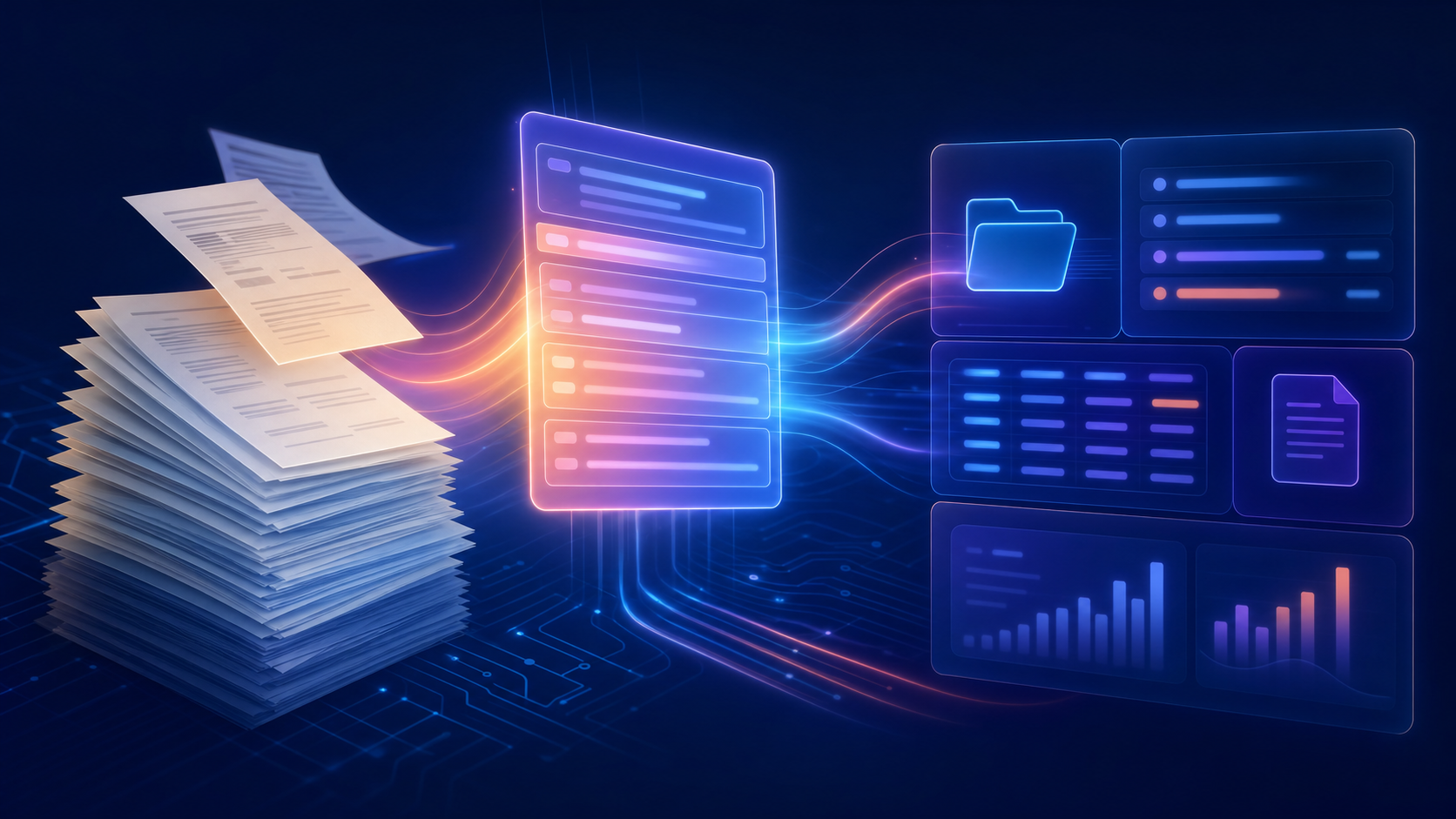
Document work is where legal AI earns its keep today. Four capabilities do most of the lifting:
- Contract review. AI reads hundreds of agreements at once, flagging non-standard indemnity, missing choice-of-law provisions, and clauses that deviate from a firm's playbook.
- E-discovery triage. Productions that once required a room of contract attorneys get sorted for relevance and privilege in hours, with attorneys reviewing the flagged subset.
- Drafting. Briefs, motions, demand letters, and client correspondence get first drafts from AI. The attorney edits, verifies citations, and signs the final version.
- Structured extraction. Paystubs, mortgage statements, tax returns, and court filings arrive as messy PDFs. AI pulls the fields that matter into the case record without paralegal transcription.
What determines whether a tool is safe in production is who owns the final word. AI-assisted drafting keeps the attorney in the approval seat on every output. Fully autonomous generation, where a model produces a document that goes straight to a client or court without review, is a different risk category and not one most firms should be running yet.
AI for Law Firm Operations: Intake, Scheduling, and Workflow Automation
Operations is where AI compounds hardest. Every case runs through the same machinery: intake, follow-up, filing, notice routing, billing. High-volume, low-judgment work, which is exactly where automation earns back paralegal hours.
Capabilities worth knowing:
- Intake chatbots qualify prospects, answer common questions, and book consultations onto attorney calendars without staff triage.
- Event-driven client intake document collection chases outstanding uploads automatically, so paralegals stop sending manual reminders.
- Workflow engines fire the next step (signature request, PDF generation, status advance) when a client action clears.
- PACER court notice tracking classifies incoming PACER filings by document type, attaches them to the right matter, and triggers the client email, calendar event, and paralegal task.
- Scheduling and billing sequences self-heal when cards fail and gate case progression until balances clear.
The feature-versus-system distinction matters more here than in research. A point tool that only reviews contracts leaves intake, notices, and billing scattered across four other logins. A unified case system runs the full lifecycle on one data model, so a value entered at intake propagates to the petition, invoice, and client portal without re-entry.
How to Choose Legal AI Software for Your Firm
Start by matching tool category to the work you need automated. Research tools answer questions and validate citations. Document tools review contracts and extract data from PDFs. Contract lifecycle tools own redline-through-signature. Filing tools run intake, notices, payments, and court submission.
Score every vendor against the same criteria:
Criterion | What to ask |
|---|---|
Data security | Where does client data sit, who trains on it, and is there a written retention policy? |
Integration | Does it read from and write to your case system? |
Training corpus | Purpose-built on legal data, or a general model with a wrapper? |
Human-in-the-loop | Can AI act without attorney approval on outputs reaching a client or court? |
Coverage | Are your chapters, courts, and forms supported today? |
Implementation time | Days, weeks, or months before your team is live? |
Purpose-built vertical tools embed domain knowledge at the data model. Horizontal tools configured for legal use afterward force your firm to be the integration layer. The real cost comparison is the new license against the seats and paralegal hours holding the current stack together.
Ask every vendor what happens when the AI is wrong. If the answer is vague, keep looking.
Ethical Obligations When Using AI in Legal Practice
ABA Formal Opinion 512, issued July 2024, is the first national ethics framework for AI in legal practice. Its baseline: there is no AI exception to the Model Rules.
Three rules do most of the work:
- Rule 1.1 (Competence). Understand the benefits and risks of the AI tools you use, including how they get things wrong.
- Rule 1.6 (Confidentiality). Client information pasted into an AI system is still client information. Vet vendor storage, training-on-inputs policies, and retention terms in writing.
- Rule 5.3 (Supervisory Responsibilities). AI output is nonlawyer work product. Supervise it like a paralegal draft.
As of March 2026, 35 or more state bars have issued formal AI opinions, with the trend moving toward mandatory disclosure on court filings. Hours the AI saved are hours you cannot bill.
Risks and Disadvantages of AI in Legal Practice
The failure modes are documented and specific.
- Fabricated citations. By April 2026, researchers cataloged 1,313 court proceedings where AI content was submitted, 496 involving licensed attorneys. Mata v. Avianca set the precedent: sanctions for filing a brief with cases ChatGPT invented.
- Shadow AI. 59% of employees use unapproved AI tools, often pasting client data into consumer chatbots with inputs training the model. Rule 1.6 does not pause for convenience.
- Billing tension. Hourly billing punishes the work AI accelerates.
- Access inequity. Large firms deploy AI at roughly twice the rate of smaller ones.
- Skill erosion. Juniors who never draft a first version never learn to draft one.
Build verification habits calibrated to the tool. AI is a first pass, not a final word.
Will AI Replace Lawyers?
Task automation is not role replacement, and confusing the two drives most of the anxiety here.
What AI absorbs is narrow: pulling fields from paystubs, retrieving case law, extracting creditor data, drafting first-pass demand letters, classifying court notices. Judgment, advocacy, negotiation, and the client relationship stay with humans. Trustee cross-examinations, settlement conversations, the call between Chapter 7 or 13, and the signature on every filing all require a licensed attorney.
What changes is where the day goes. Paralegals who transcribed credit reports now review AI output and resolve flagged conflicts. Junior associates read the flagged discovery subset instead of every document.
High-volume areas feel it first: bankruptcy, immigration, PI intake, mass tort review. Human-in-the-loop is the operating reality of any AI system touching a court filing.
How Glade AI Automates Bankruptcy Law Firm Workflows
Glade AI is the operating system for high-volume Chapter 7 and Chapter 13 practices. Case Intelligence is the core promise: your case file builds itself as the work happens.
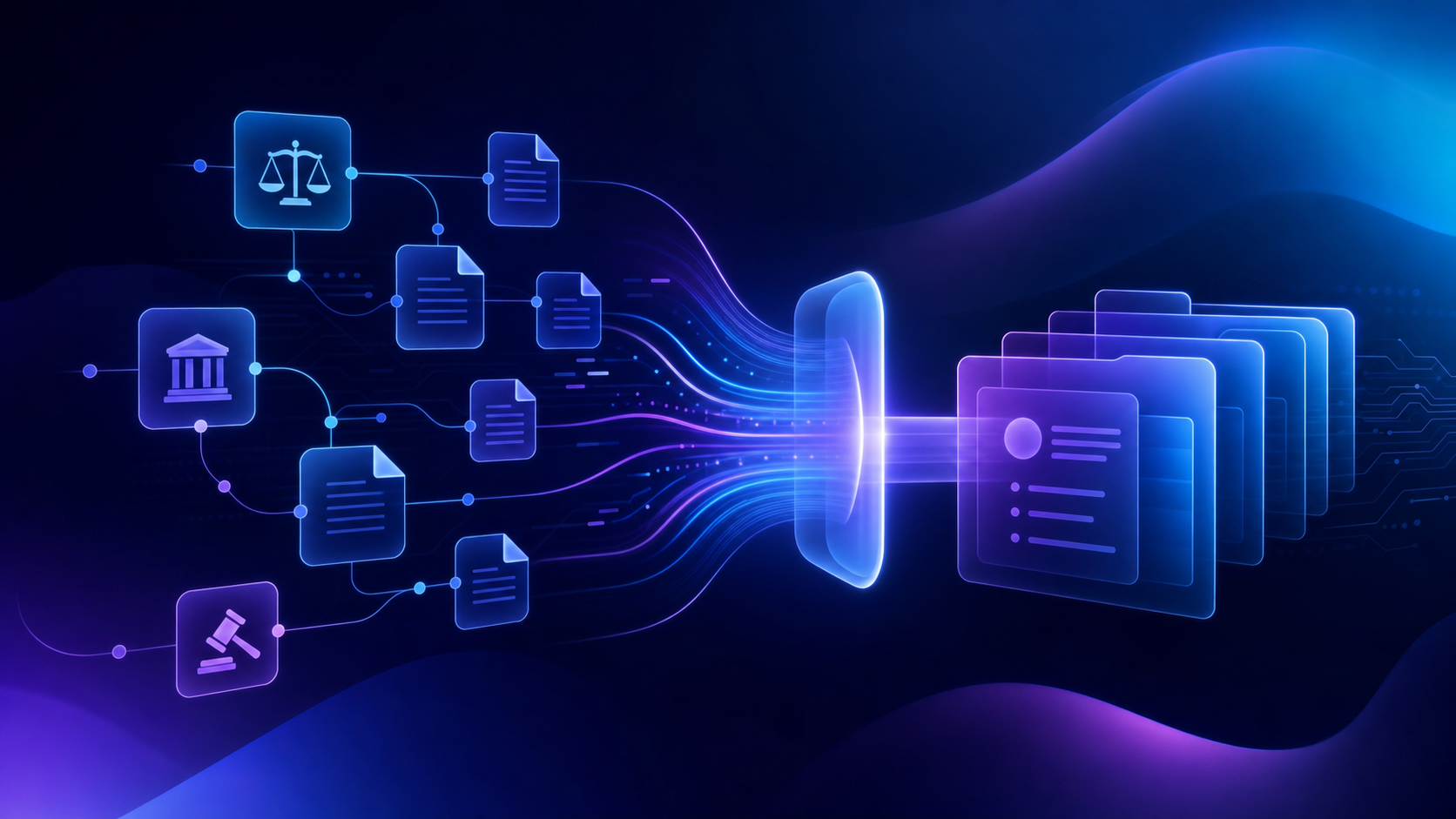
Bankruptcy petition automation collapses petition prep from 8+ hours per case to under 2, with AI pre-populating up to 50 to 75% of petition fields before paralegal review. Paystubs yield income figures, mortgage statements pull servicer and loan account, vehicle titles extract VIN and odometer.
Manually entered values take precedence over AI extractions; conflicts hold for human review. Duplicate protection is structural: mortgages match by loan account, vehicles dedupe by VIN.
Court Notice Automations assign each firm a dedicated PACER notice email. AI classifies notices across federal bankruptcy districts, then fires configured emails with case number, client name, judge initials, and 341 details filled in.
PACER filing automation typically completes in 7 to 10 minutes, running asynchronously across supported districts; the attorney does not need to keep the page open. PDFs flatten automatically to prevent CM/ECF rejections.
One case record replaces a four to seven tool stack. AI stays assistive. The attorney signs.
Final Thoughts on AI Tools and Workflows for Law Firms
The firms getting the most out of AI right now are the ones that matched the right tool to the right workflow instead of bolting a general chatbot onto existing processes. Your research, drafting, and intake can all run faster without cutting the attorney out of the loop. Book a demo with Glade AI to see what that looks like inside a high-volume Chapter 7 or Chapter 13 practice.
FAQ
What's the difference between using a general legal AI tool like Harvey or Clio Duo versus a purpose-built system like Glade AI for bankruptcy work?
General legal AI tools handle research, drafting, and document review across practice areas, but they require your firm to be the integration layer between them and your case management, billing, and filing workflows. Glade AI is built for Chapter 7 and Chapter 13 practices, with AI agents handling document extraction and a separate deterministic engine running means-test math, so the calculation your attorney signs off on is traceable to the exact statutory rule that fired, not inferred by a model.
Should I use a horizontal legal AI tool or a bankruptcy-specific system if my firm does 80%+ Chapter 7 and 13 work?
If bankruptcy is your core volume, a horizontal tool forces you to configure bankruptcy logic on top of a general architecture, and your paralegal becomes the integration layer between it and PACER, your billing system, and your notice routing. A bankruptcy-native system like Glade AI embeds debtor, creditor, and schedule logic at the data model level, so petition prep, court notice classification across all 94 federal districts, and e-filing run on one case record without re-entry.
How do I determine whether an AI legal document generator is safe to use for court filings?
Ask two questions before any AI-assisted output reaches a court: does the tool use deterministic, rule-based math for statutory calculations like the means test, or does it run those through a language model? And can AI act on a filing without attorney approval? Tools that use LLM inference for court-filed calculations produce outputs that cannot be independently audited against a fixed statutory baseline. That is a malpractice exposure, not a feature gap. Every output touching a court filing should require attorney sign-off.
What are the main disadvantages of AI in law firms that attorneys should account for before adopting these tools?
The documented failure modes are fabricated citations, confidentiality exposure from staff pasting client data into consumer AI tools, and billing tension when hourly rates punish the work AI accelerates. By April 2026, researchers had cataloged more than 1,300 court proceedings involving AI-generated content, nearly 500 involving licensed attorneys. Build verification habits calibrated to the tool: pull every case citation independently before a filing leaves your desk, vet vendor data retention and training policies in writing, and treat AI output as a first draft that requires attorney review, not a final word.
Can I get free AI legal advice or use a free AI lawyer app for actual bankruptcy case work?
Free general-purpose AI tools (consumer chatbots and free AI lawyer apps) lack legal corpora, citation validation, and the bankruptcy-specific data models required for court filings. They carry real confidentiality risk when client data enters the system, and their outputs cannot be audited against statutory thresholds the way a purpose-built deterministic engine can. They are useful for general orientation, not for means-test calculations, schedule population, or anything reaching a court.